Plugins
Filestash was built from the ground up to be malleable: our core design principle is “anything that’s not a fundamental truth of the universe lives in a plugin”. Think of plugins as Lego blocks you pick and assemble into the Filestash that fits your use case, with ready-made plugins available for:
Plugin Inventory

Authentication Plugin [doc]
Set the user identity, aka the "who" in the "who can do what and where"
Authentication Plugin [doc]
Set the user identity, aka the "who" in the "who can do what and where"
Wihout enabling an authentication plugin, Filestash shows a connection form for the storage, and users fill it in themselves. In this mode, Filestash is the browser base equivalent to a dekstop tool similar to Filezilla FTP or Cloudberry where users must know the details of your storage such as hostname, port or access key ID, which can confuse non-experts expecting the "Dropbox experience".
Only the Filestash admin user can get it
Authenticate against any HTTP login API (Supabase, CouchDB, your own).
Authenticate users against an Apache Htpasswd file.
Same as plg_authenticate_htpasswd but with an optional role to enable RBAC.
Use your company directory (LDAP, Active Directory, Entra) as the source of users. Their attributes are available for fine-grained access rules.
Built-in user management: create accounts, enforce MFA and assign roles from the admin console.
Several login methods on one screen, for example SSO for staff and a password for contractors.
Single sign-on via OpenID Connect: Filestash delegates login to your identity provider.
Service and partner accounts: for MFA use cases
Filestash delegates login to your storage: users either connect automatically via deep links, or type their credentials while Filestash fills in the rest from your configuration.
Already authenticate by a proxy? Filestash reads the user and role from the headers injected by your proxy (typically via a X-Remote-User and X-Remote-Role header)
Single sign-on via SAML: Filestash delegates login to your identity provider.
Your users are already in a Mysql / Posgress or Oracle database? Point Filestash at it, and your users will use that, no separate user creation process needed.
Setup access via deeps link or QR codes, with support for url signature and jwt token.
Use your WordPress site as the identity provider, with WordPress roles mapped to access.

Authorisation Plugin [doc]
Once you know who the user is, choose which actions they can perform and what they can see.
Authorisation Plugin [doc]
Once you know who the user is, choose which actions they can perform and what they can see.
The storage stays in charge, permissions come entirely from the underlying storage.
This adds an authorization field in your storage, so you control all the actions possible for a user: ls,cat,mkdir,save,rm,mv,touch. Since you can use go templating language in that field, you can do things like this: {{ if eq .role "ADMIN" }}mkdir,rm,mv,save,touch, {{ end }}ls,cat.
Provides an administration dashboard to create and manage RBAC rules, allowing administrators to control who can perform specific actions and where.
This is to enforce all your storage to be read only with no option to mutate anything. It is like plg_authorizaton where the only possible actions are "ls" and "cat"
This plugin delegates authorisation to cerbos.
This plugin delegates authorisation to AWS IAM.
Delegate authorisation to a third party service via an API.
Part of core, this lock a user into the folder of your choice. There are 4 typical models:
1. the global shared space. Everyone has access to the same thing
2. group based access. example: marketing and sales have their own shared space
3. isolated user. Every user has a private space
4. a mix of 1, 2 and 3 altogether with various rules associated to those
When your rules don't fit an existing plugin, it's time to go the custom route. Create your own by following our development guide or let us do it for you

Storage Plugin
[doc]
The storage connectors you want to connect to.
Storage Plugin [doc]
The storage connectors you want to connect to.
The Virtual Filesystem (VFS) connector lets you compose storages together to form a single unified filesystem regardless of what those storages are and where they are located → doc
Support for FTP and FTPS server
Support for Artifactory
Support for Azure Blob Storage
Support for Backblaze B2 Storage
Support for Dropbox
Support for Google Cloud Storage
Support for Google Drive
Support for GIT remote
Support for IPFS servers
Support for LDAP Directories. It shows xx as folder and xx as files which you can fill
Local File Storage
Support for Mysql
Support for NFS server
Support for NFSv4 servers
In memory test server handy for performance testing / identifying bottlenecks
Connect to Perkeep
Browse a PostgreSQL database as folders and files.
Support for Resilio Sync and Resilio Active Everywhere
Support for AWS S3 and S3 compatible servers like minio, Dell ECS, backblaze, cloudflare, versity, ...
Support for Microsoft Sharepoint
Support for Storj Storage
Browse folders on a Syncthing instance
To create temporary storage
Support for opendirectories

Themes
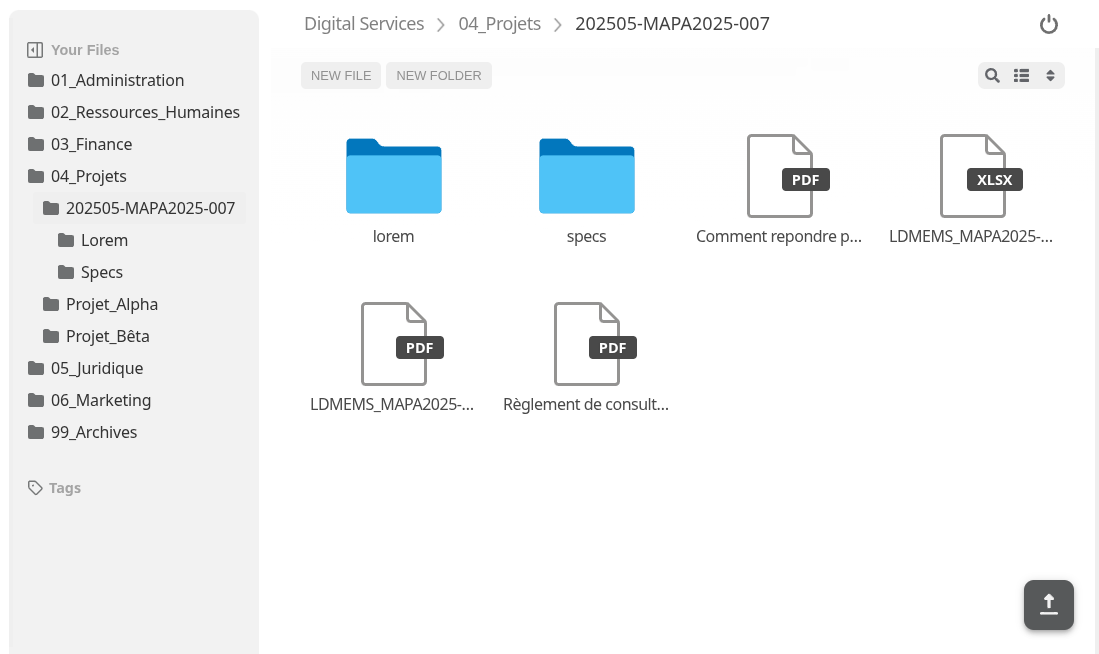
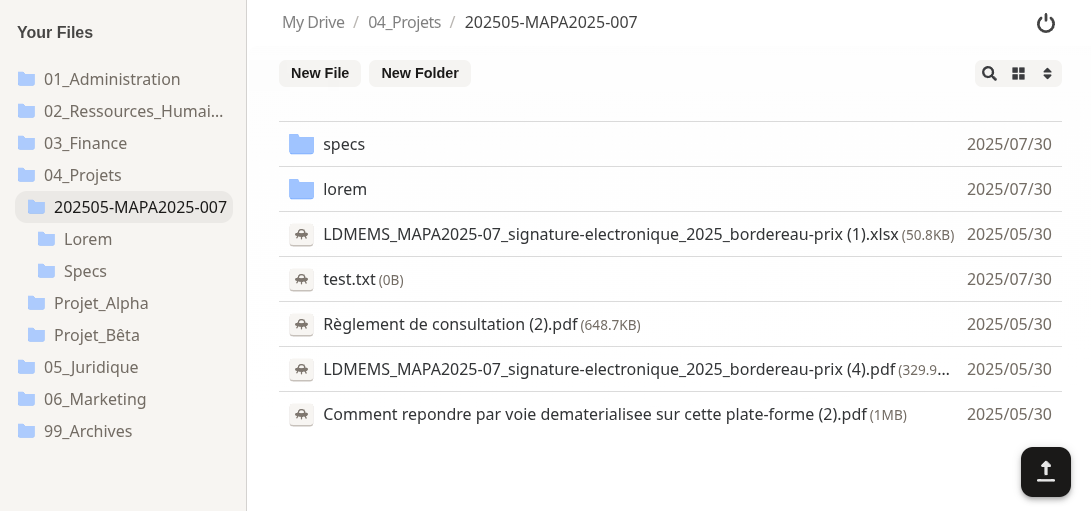
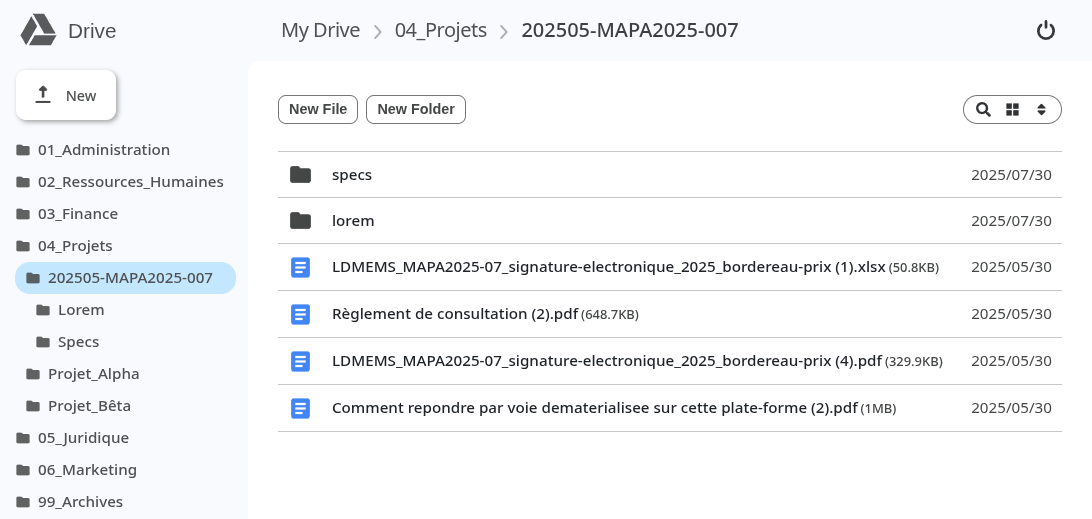
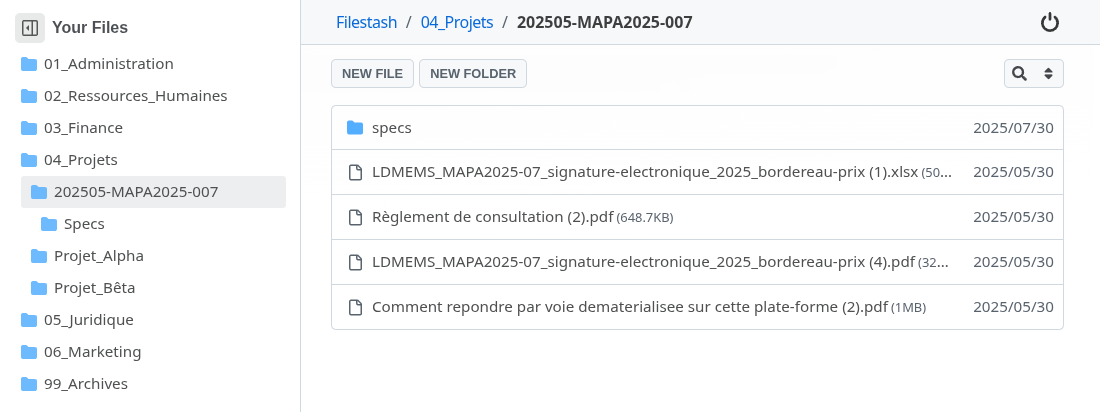
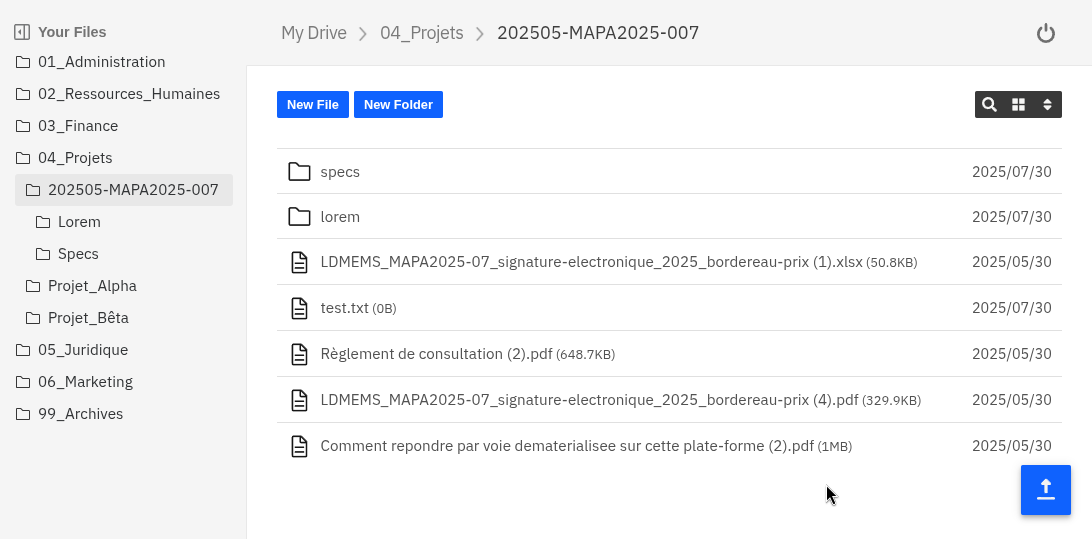
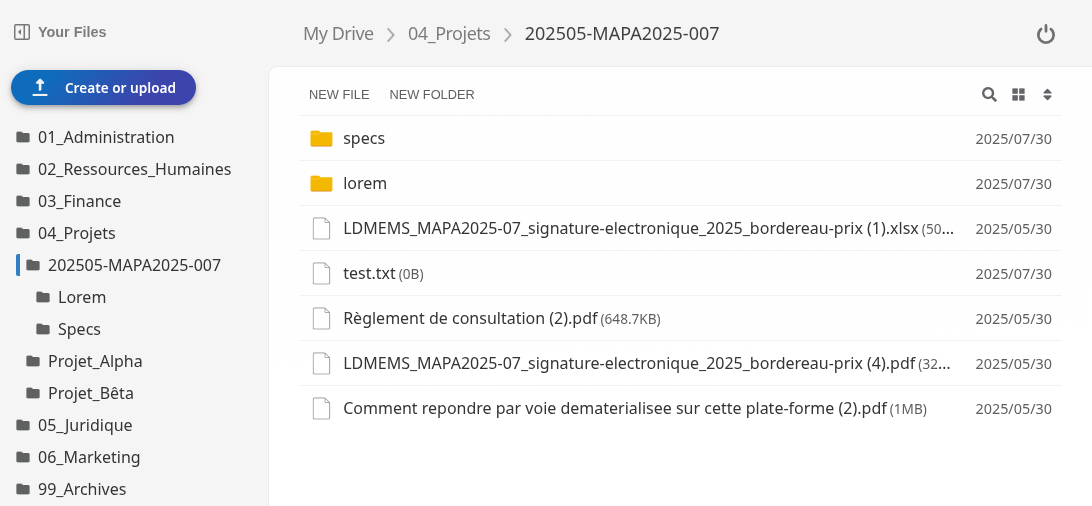
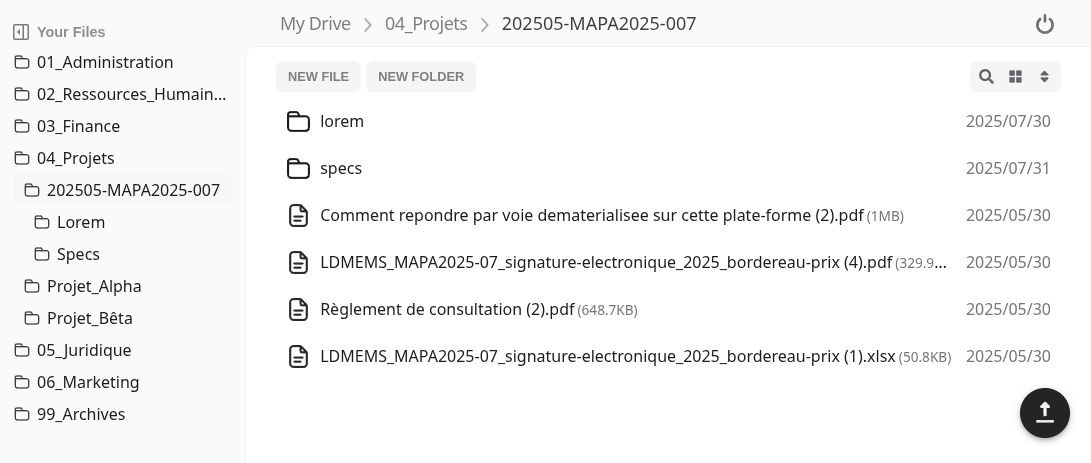
Don't like the default look and feel? Apply a new coat of paint
Themes
Don't like the default look and feel? Apply a new coat of paint


Viewer Apps
Extend the file viewer with support for ~140 file formats
Viewer Apps
Extend the file viewer with support for ~140 file formats
This plugin has 2 main functions:
1. keep user from being able to reach the file viewer at all and keep them in the list of files view
2. disable all the default viewer apps so it always show the basic download button
It knows how to open and render 3d related files like: fbx, gltf, obj, stl, step, mesh, ifc, dae
It knows how to open / render adobe files like: psd, ai, xd, dng, postscript, aco, ase, swf
It knows how to open files like: dicom, sam, bam, cif, pdb, xyz, sdf, mol, mol2 and mmtf
It knows how to open files like: svg, psd, ai, sketch, cdr, woff, woff2, ttf, otf, eot, exr, tga, pgm, ppm, dds, ktx, dpx, pcx, xpm, pnm, xbm, aai, xwd, cin, pbm, pcd, sgi, wbmp and rgb
It knows how to open files like: .a, .so, .o, .dylib, .dll, .har, .cap, .pcap, .pcapng and sqlite
It knows how to open embroidery files like: .dgt, .dst, .dsb, .dsz, .edr, .exp, .10o, .col, .hus, .inf, .jef, .ksm, .pcm, .pcs, .pes, .sew, .shv, .sst, .tap, .u01, .vip, .vp3. and .xxx
It knows how to open files like: .parquet, .arrow, .feather, .avro, .orc, .hdf5, .h5, .netcdf, .nc, .rds, .rda and .rdata
Open HTML files as rendered pages, in a sandboxed frame.
It knows how to open files like: .mid, .midi, .gp4 and .gp5
There are many way to open office document, this particular version handles through wasm file like: .doc, .docx, .rtf, .odt, .xlsx, .xls, .ods, .ppt, .pptx and .odp
Provides end to end encryption support using PGP. File content is encrypted on the client before upload using user-held keys, and the server never has access to those keys.
It knows how to open files like: .heif, .nef, .raf, .tiff, .raw, .fits, .xisf, .arw, .sr2, .srf, .nrw, .cr2, .crw, .x3f, .pef, .rw2, .orf, .mrw, .mdc, .mef, .mos, .dcr, .kdc, .3fr, .erf and .srw
It knows how to compile files through latex, pandoc, plantuml
Render XML files using XSLT

Server Plugin [doc]
Choose how Filestash start itself up: HTTP, HTTPS, TOR, ...
Server Plugin [doc]
Choose how Filestash start itself up: HTTP, HTTPS, TOR, ...
Default starter plugin using a HTTP server with a configurable port with the default being 8334. It is intended to be used behind a reverse proxy with SSL termination being done at the proxy level
Expose your instance over HTTPS with an automatic letsencrypt certificate. It is intended for those who want to spin off an instance with all the certificates stuff being handled witout any maintenance work
Default starter plugin using a HTTPS server and a self signed certificate
Expose your instance over HTTPS where your certificates must be mounted manually in case you already have those
Default starter plugin using a HTTP2 server and a self signed certificate
Expose your Filestash instance as a .onion service
Expose your data via MCP
Expose your data via SFTP
Expose your data via S3
Expose your data over NFS
Run a AS2 as a mailbox and to run transfers
coming soon - contact us

Configuration Plugin [doc]
Choose where Filestash keeps its configuration
Configuration Plugin [doc]
Choose where Filestash keeps its configuration
By default, configuration is stored on config.json file
You can push / pull configuration in a S3 bucket
You can configure everything from a environment variable
Print the active configuration at startup, for troubleshooting.
A configuration plugin expose 2 things, a way to load configuration and a way to save it. You can create your own or let us do it for you

Search Plugin [doc]
How search is being handled
Search Plugin [doc]
How search is being handled
The search feature only show if you have a search plugin installed. If you don't have any search plugin installed, the search feature disappear entirely
Recursive search when the user search for something
A complete full text search solution with its own crawlers, indexer, search engine
Search in plain language
Query search through elastic search
Query search results through solr
If you don't have what you want as an off the shelf part, we can customise something for your needs

Thumbnail Plugin
How thumbnail are being generated
Thumbnail Plugin
How thumbnail are being generated
If you don't want to generate any thumbnails at all
Our fastest thumbnailer build with custom C code made to be fast
Another thumbnailer that's much slower but implemented in a memory safe language: golang
Another thumbnailer using the bimg library
Generate video thubmanil from video files
The legacy thumbnailer built of libvips

Transcoding Plugin
Converting file from / to various formats
Transcoding Plugin
Converting file from / to various formats

A docx file viewer and editor based of docx-editor from eigenpal
A solution based of libre office wasm, running entirely from the browser
Support for the only office editor
Support for a readonly microsoft edited solution
Implement the WOPI protocol that's compatible with ms word online

Security & Compliance
Tighten the security around your instance
Security & Compliance
Tighten the security around your instance
Add a killswitch if we were to discover a major security flow like what happenned during the infamous Log4J RCE
Enforce a captcha for people using the app
Disable the entire admin console
A complete auditing interface to see who did what and when
A tamper-evident audit trail, with hash-chained records and everything to make your auditor happy
Supprot for BagIt packaging for archives for digital preservation
Electronic signatures and RFC 3161 timestamps on files
Change the default list of ciphers to FIPS compliant ones
Compliance with the French NF Z42-020 digital vault standard
Storage quotas per user or folder
Fine Grained session expiration options
Automatically logout idle users
Automatic detection of unwanted activity
Block connections based on euristics like IP location, IP blacklist
Run your files through the clamav antivirus solution
Send System Notifications to admin</a>
Create fingerprints of your files through Steganography

Workflow & Automation [doc]
Trigger actions and automate the flow of information
Workflow & Automation [doc]
Trigger actions and automate the flow of information
A bunch of random workflow trigger and actions
Add email notification block to workflow action
Trigger workflows from incoming email (an IMAP folder).
Our full text search plugin provide workflow integration to generate the index in an offline fashion
Workflow Integration through n8n
Workflow automation using Zapier
We are very open to supporting more automation / workflow platform. Reach out to us here if you need anything.

Other Plugin
Plugins that won't fit on any previous category
Other Plugin
Plugins that won't fit on any previous category
An admin screen to review and manage shared links
Use Filestash as a tool for AI agent with its MCP capabilities
SFTP Gateway to expose your data through S3
Add versioning capabilities to your storage
Adds Recycle Bin functionality. Instead of permanently deleting files or folders, deletion operations move them to a dedicated trash folder.
Publish shared links as a static site
Enable the generation of electronic signatures and seals as per eidas
Adds a web based terminal to control your instance via the admin console
Gives a dashboard to monitor ongoing transfers and the ability to cancel ongoing transfers
Applies a watermark to images to protect against unauthorized redistribution.
Export request traces to Zipkin
Show a banner to all users, for example for planned maintenance
The chat widget enables users to discuss files or folders directly from the web interface.
The description widget allows users to store and edit a description field for files and folders.
Bookmark favourite files and folders
Lock a file while someone edits it
Attach metadata to files as a widget
A "Recent files" folder
We have ton of other small plugins available, things like changing sending notifications, changing cookie policies, use other implementation of the zip algorithm based of fastzip, ...
Custom plugin development
Want to create your own plugins? Here are the relevant ressources:
- Filestash plugin development
- Creating Filestash plugins in Rust
- core interface
- runtime cookbook
- compiled plugins reference
As your integration partner, building plugins to your specs is what we do best, and that’s what keeps Filestash going -> Hire us
Some bespoke plugins we’ve built:
- MIT - integrates their Samba file server with LDAP, with another layer of 2FA through Duo’s API
- DHL - lets employees browse and manage workspaces Artifactory
- Schneider Electric - enables the documentation team to push updates to embedded help pages
- Monash University - to enable their users to access their archives with some recovering functionalities powered by versity
- UCI - gives students access to the multi PB campus cluster running IBM GPFS
- USZ - connects Filestash to a DELL ECS based storage cluster
- and many more …